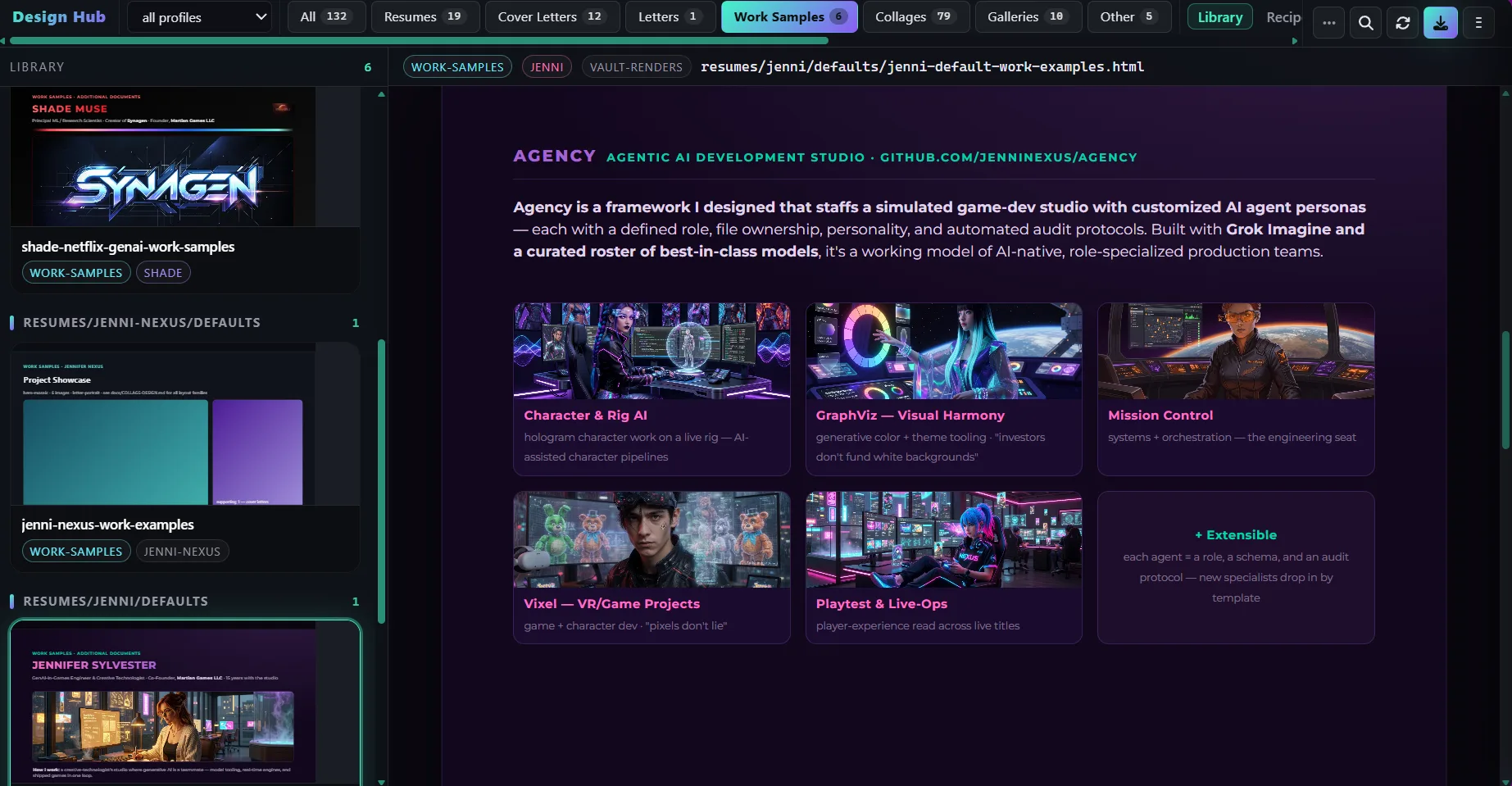
Hey friends — Jenni here. I built PDF Designer while I was filling out a multitude of job applications, looking for extra income like a lot of my peers. I wanted a place to keep the experience and skills I can actually stand behind, without having to type the same history into every form again.
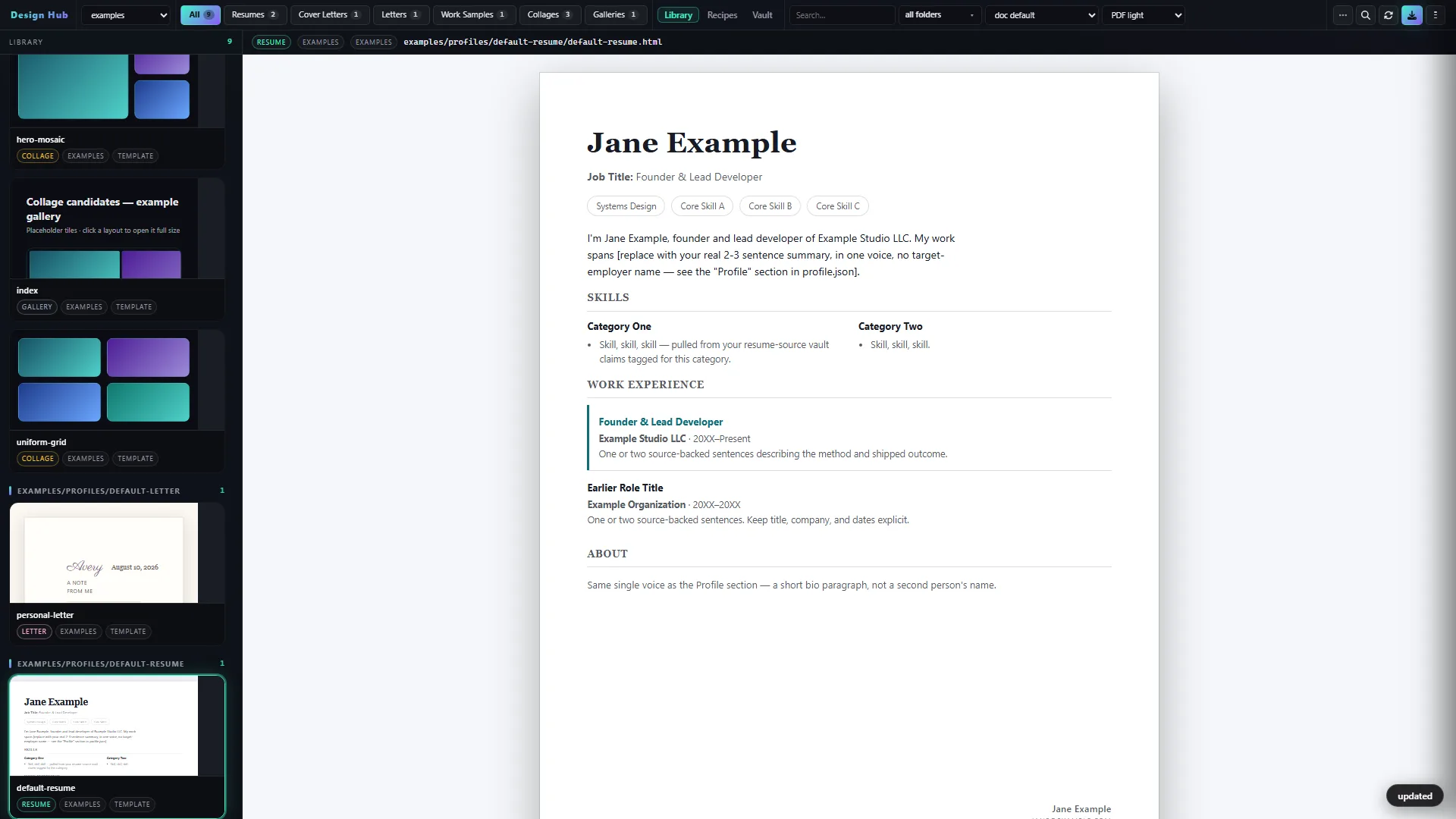
It is a local resume app: your claims live in a private vault on your machine, your palette preferences stay yours, and it creates two versions of the same resume — a light PDF for job boards and a dark branded PDF when you want a custom send. Same pagination. Same facts.
Why I built PDF Designer
Every day I see LinkedIn and Indeed recommendations that look worth applying to. I started with a browser extension to help fill forms, but I wanted the resume part to be more personal: real qualifications, a design I can make my own, and less time repeating myself.
The gap-check is the small rule with the big effect. Before a job-specific resume changes, the workflow checks what I have actually said is true. If a listing asks for something the vault does not mention, the tool asks instead of filling in the blank for me. The document stays mine.
That is also why there are two PDFs, not one fancy layout that job boards shred. Light is the upload. Dark is the branded send. Same pagination. Same facts.
What makes PDF Designer different
- The vault is the starting point. Claims live on disk, so the resume stays grounded in the experience I have actually recorded.
- Design Hub on your machine. The visual home is local, not another SaaS dashboard that owns your history.
- ATS-honest light + branded dark. One engine, two themes, same page breaks. Upload the light file to boards.
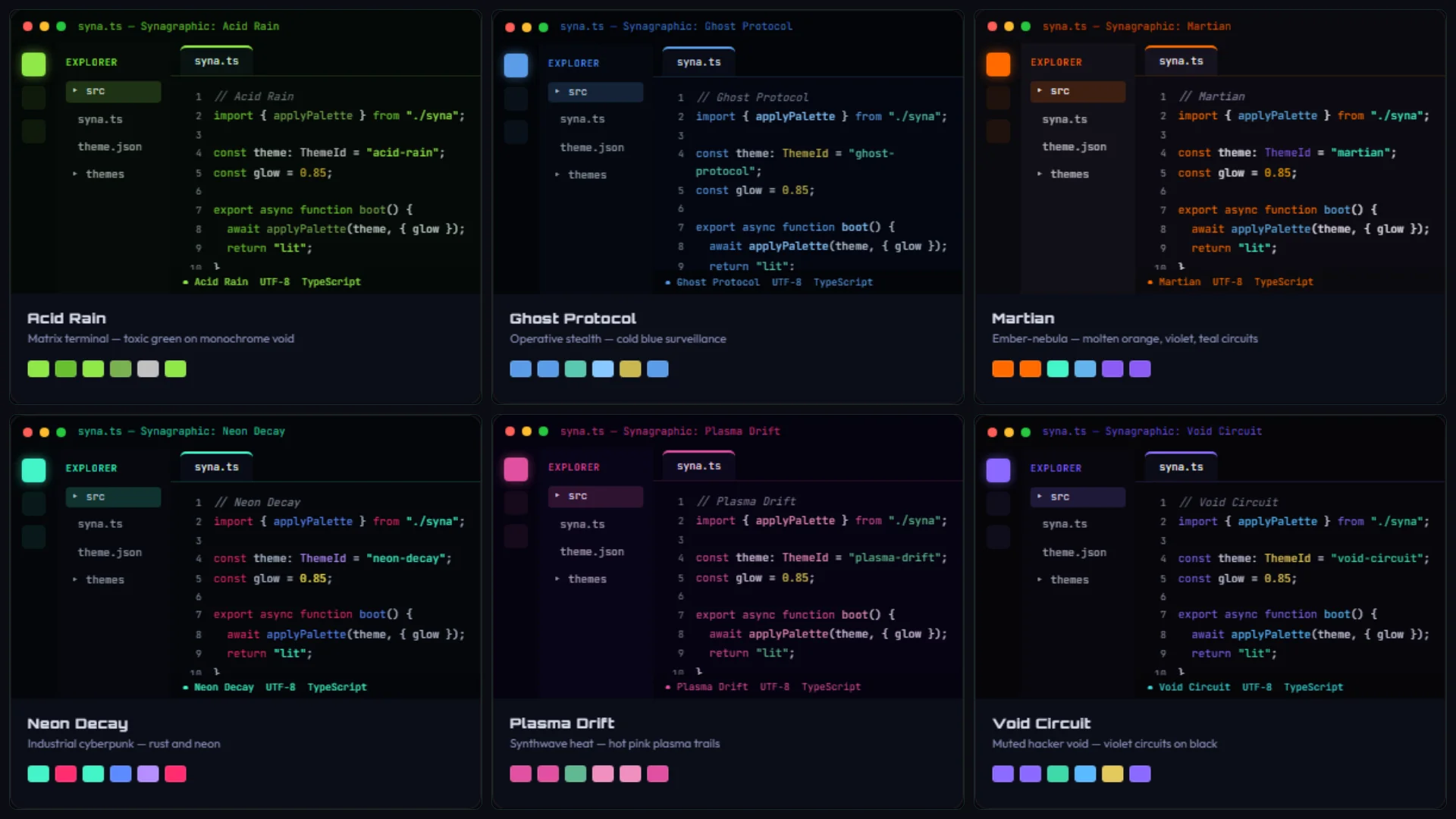
- Checks that pretty mockups skip. Palette safety, content overflow, rendered color, and whether the light PDF still has a text layer a parser can read.
- Private by default. Personal data, working files, exports, and job folders stay local. Public examples show the workflow without publishing anyone's history.
The quotable bit: two PDFs from one vault — light for the board, dark for the human — and a gap-check that asks before it invents.
How PDF Designer works
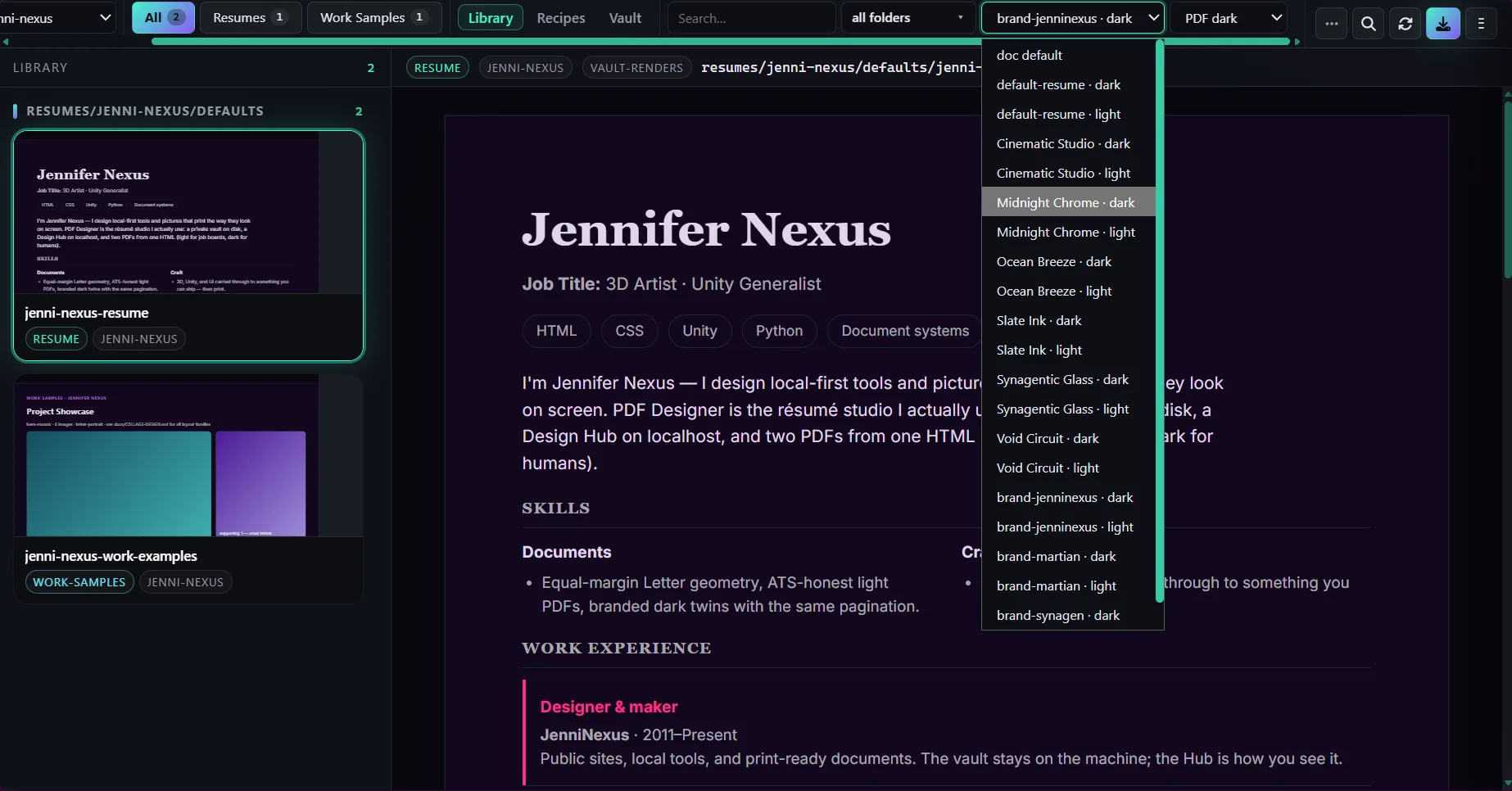
Once you clone the public repo, I use the Design Hub to choose a theme, point the workflow at a listing, and make the resume I want to send:
- Start with the public example and open the Design Hub on your machine.
- Keep work history, skills, and palette preferences in a private vault.
- Choose the job listing and the theme that feels right for the send.
- Export light and dark PDFs. Board upload = light only.
- Check the layout and text layer before sending anything.
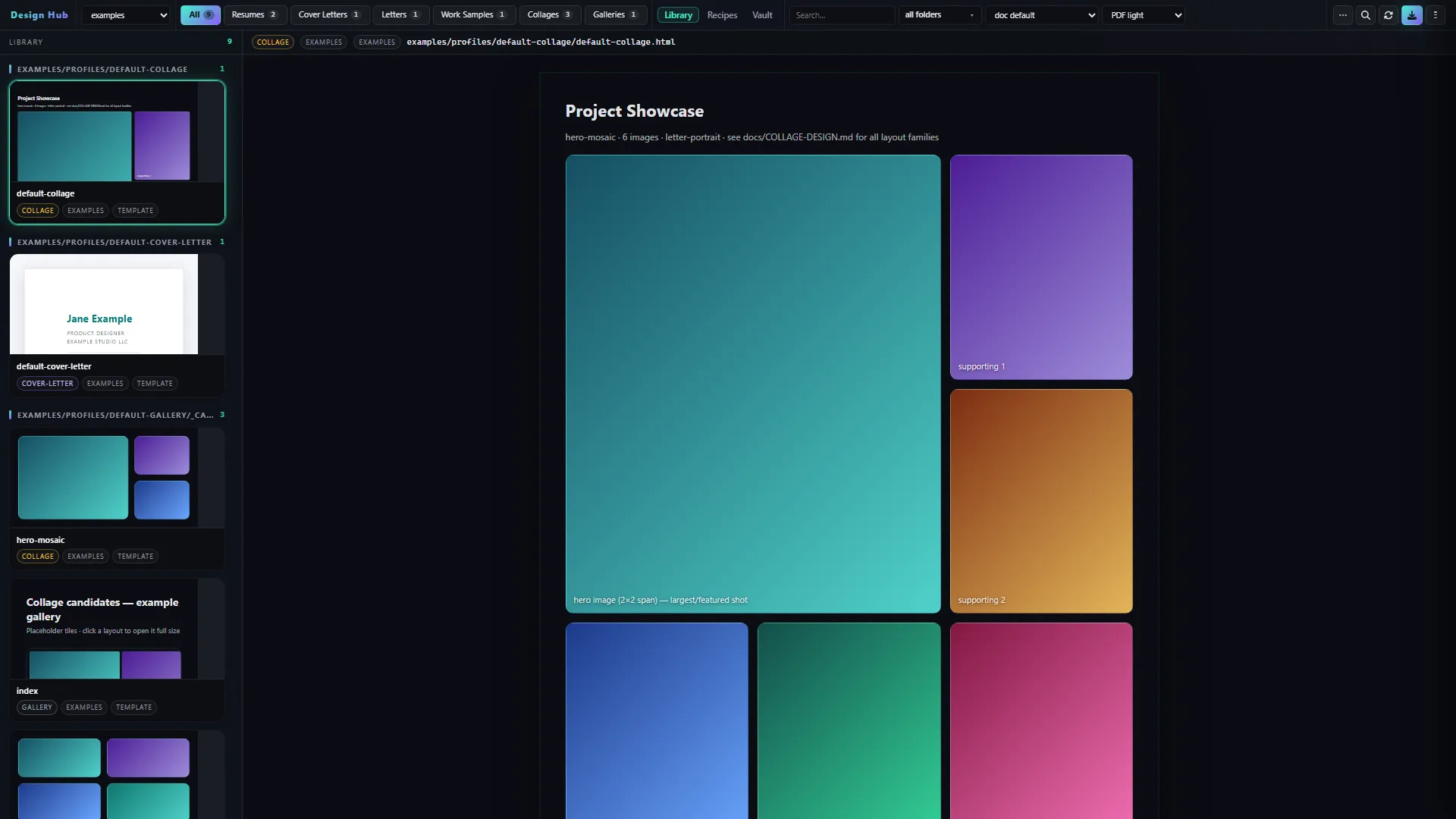
It can also make cover letters and regular letters, take Playwright screenshots, and build a few collage layouts I like using for creative work. The public examples are there to show the workflow without exposing anyone’s real job folder.
Who is PDF Designer for?
- People who want a résumé workflow that will not invent claims
- Applicants who still have to please an ATS and a human
- Devs and agents who prefer a local Python tool over a cloud form
- Anyone who is tired of Canva pagination fighting a job-board parser
If you just want a pretty PDF and you do not care whether the board can parse it, this is not that product. If you want the document to stay yours, it is.
What's next for PDF Designer
The GitHub repo and this walkthrough are live now. The free release is the engine, Design Hub, themes, layouts, checks, and examples. A future paid option, if it earns its place, would be a simple installer and guided wizard around that same local engine.
I am not listing a Gumroad pack until that installer exists. There is no cloud account, auto-apply bot, or browser form-filler hiding behind this page. The honest ask today is a tip if the walkthrough helps:
If it eventually saves you a night of wrestling with Canva and a job board, then I have accomplished my goal. PDF Designer is free to clone today: github.com/jenninexus/pdf-designer.
— Jenni
Gallery
Design Hub stills — public examples only. Jane Example is the clone-safe template, not a real person.